Wearable Product System

This process shares my initial 4-months as the sole Design Lead at a Noise at an early stage startup for a growing wearable brand. It details how I juggled multiple projects in a new industry, developed processes, and applied technical UI skills to tackle real-world challenges.
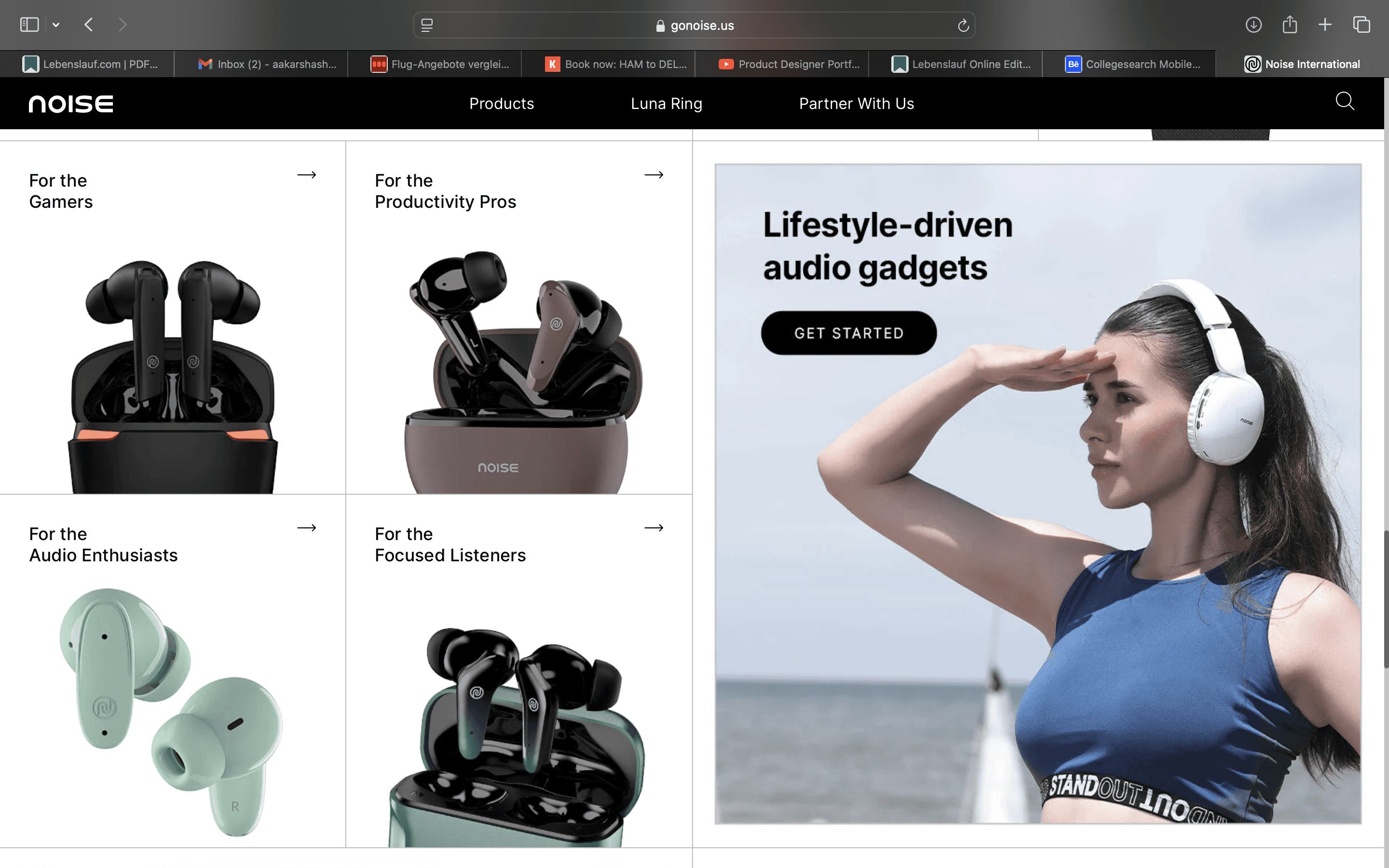
Company

Company

Noise

Team

Team

Design Team

Year

Year

2020

Position

Position

Design Lead

Timeline

Timeline

4 Months

Challenge

As the Design Lead, I found myself simultaneously working on multiple projects and areas:

Page Structure, Positioning, Content Strategy, Graphics/Visuals and Animations.

Each project had its own challenges, stakeholders, and tight deadlines. The pressure was on to deliver top-notch work across the board while getting up to speed with the ins and outs of the commercial hardware product company.

Solution

Realising I needed a game plan to stay sane and productive, I turned to the 70-20-10 Rule to prioritise my efforts:

  • 70% on the highest priority (Product page guidelines and positioning and content)

  • 20% on the second priority (Graphics and Visuals)

  • 10% on the third priority (Animations)

This wasn't a rigid rule but gave me a solid framework to manage my time and energy effectively and collaborate effectively with designers. developers and stake holders.

70%

70%

20%

20%

10%

10%

The 70-20-10 Rule

Breakdown

I organised my days around 'deep work' sessions. While surprises did pop up, I made sure to reserve at least two blocks for high-priority tasks. The rest of the day was more flexible, adapting to what each project threw at me.

  • Deep work on high-priority tasks: Understanding the positioning of the product with stakeholders first and UX writers and creating product page layout.

  • Work on second priority: Discussing the graphics and visuals with designers.

  • Tertiary tasks: Looking and getting inspired by market trends for the animations and implementing them if there are resources and time.

Reality

No week ever went exactly as planned. Here's how I handled the curveballs:

  • Urgent Requests: I built in a buffer for any urgent issues. If something couldn't wait, it got slotted in here.

  • Shifting Priorities: If a project needed more attention, I'd adjust my 70-20-10 split and keep stakeholders in the loop.

  • Energy Levels: I'd tackle high-energy tasks (like creative design work) when I was at my peak and saved less demanding tasks for when I needed a breather.

This system wasn't perfect, but it helped me keep all the plates spinning without losing focus. Flexibility within a structured framework was key.

Strategy

I zeroed in on the small yet impactful aspects of the enhance the process by working effective with stakeholders in respective areas to ensure effective data visualisation. These tweaks might seem minor, but they significantly enhance the performance and speed by making data clearer and easier to interpret.


Positioning of the Product

Before embarking on any project, I initiate a collaborative process with stakeholders from various categories (e.g., audio, wearables). A key aspect of this initial phase involves understanding the product's positioning within the market. Determining whether the product falls into the premium, lifestyle, or basic category provides valuable insights that inform the project timeline and the optimal structure for the product page.

Defining Content

We'll be planning the product's identity and presentation by working with UX writers to create the name and tagline. This planning phase also includes defining key features (with a focus on what makes the product unique) and designing the product page layout.

Page Layout

Now that I have a solid understanding of the product's positioning and all the content, I can begin the layout. Defining the product's structure, category, and position is crucial for determining the timeline and workload. This also directly influences the design: premium products justify the added effort of animations and a premium look, while basic products require a more straightforward approach.

Graphics & Visuals

With the layout complete, I move on to crafting the product visuals in Illustrator and Photoshop, establishing the desired look and feel. Aesthetically pleasing visuals are essential for grabbing user attention, so I work closely with a 3D artist to perfect the angles and lighting, ensuring the product is presented in the most compelling way within the established layout.

Developing Magic

The final step is collaborating with the developers to translate the design into reality. This involves explaining the design, layout, and animations, and being available to troubleshoot any issues that arise. My support is critical for their efficiency.
Structure

Solving core problems goes beyond design—it starts with effective layout. With a fresh perspective, I identified key process improvements to accelerate the work by setting definitive layouts. The following outlines the standard design process involved in product launches.


The design embraces a minimalist aesthetic focused on clarity and usability, ensuring visual simplicity while delivering high functional value. Layout, hierarchy, and interactions were intentionally crafted to support discoverability and guide users seamlessly through the experience.

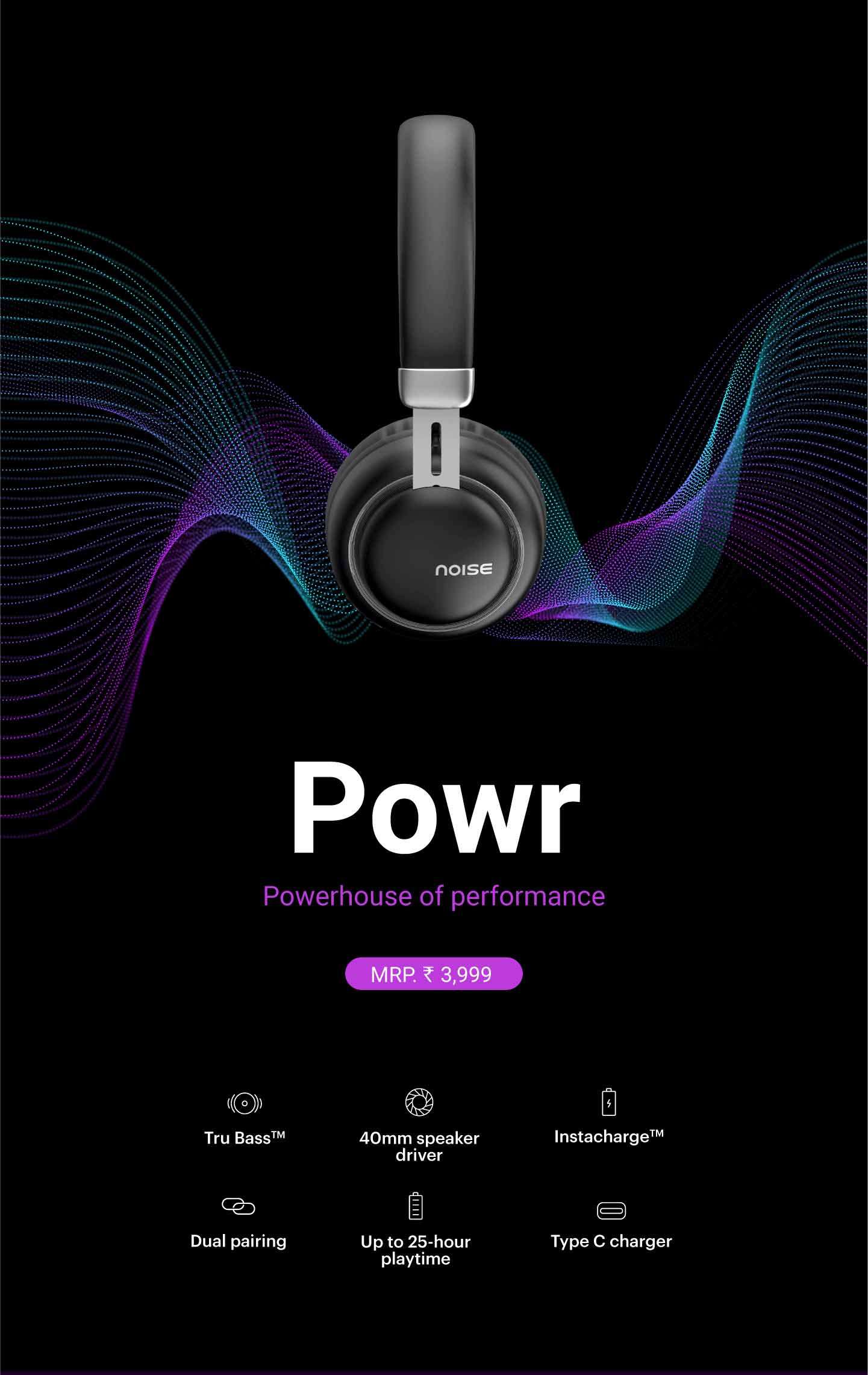
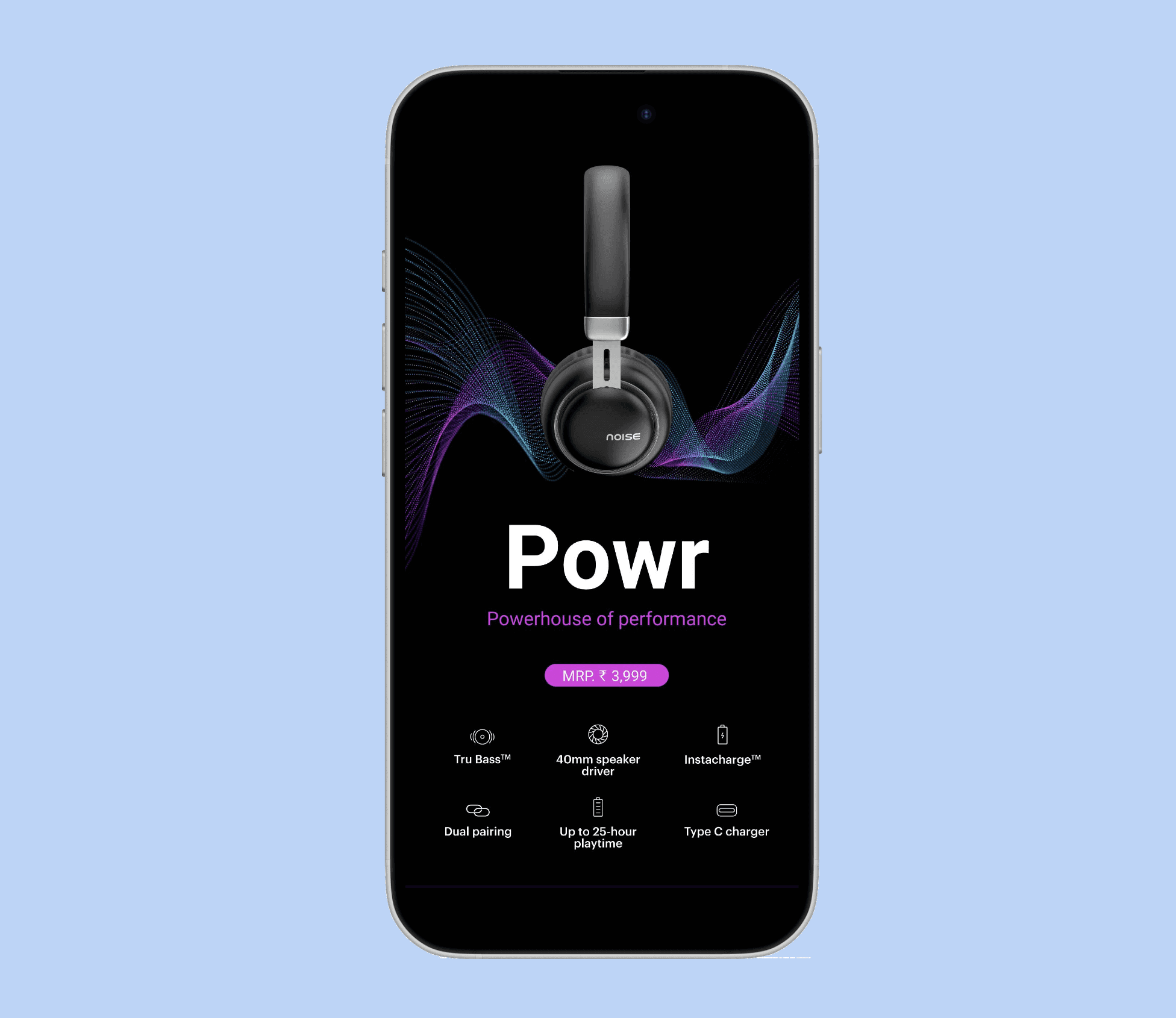
Hero

A fixed hero layout is used across all product pages to maintain consistency and simplify the design process, with images and key highlights adapting per wearable.

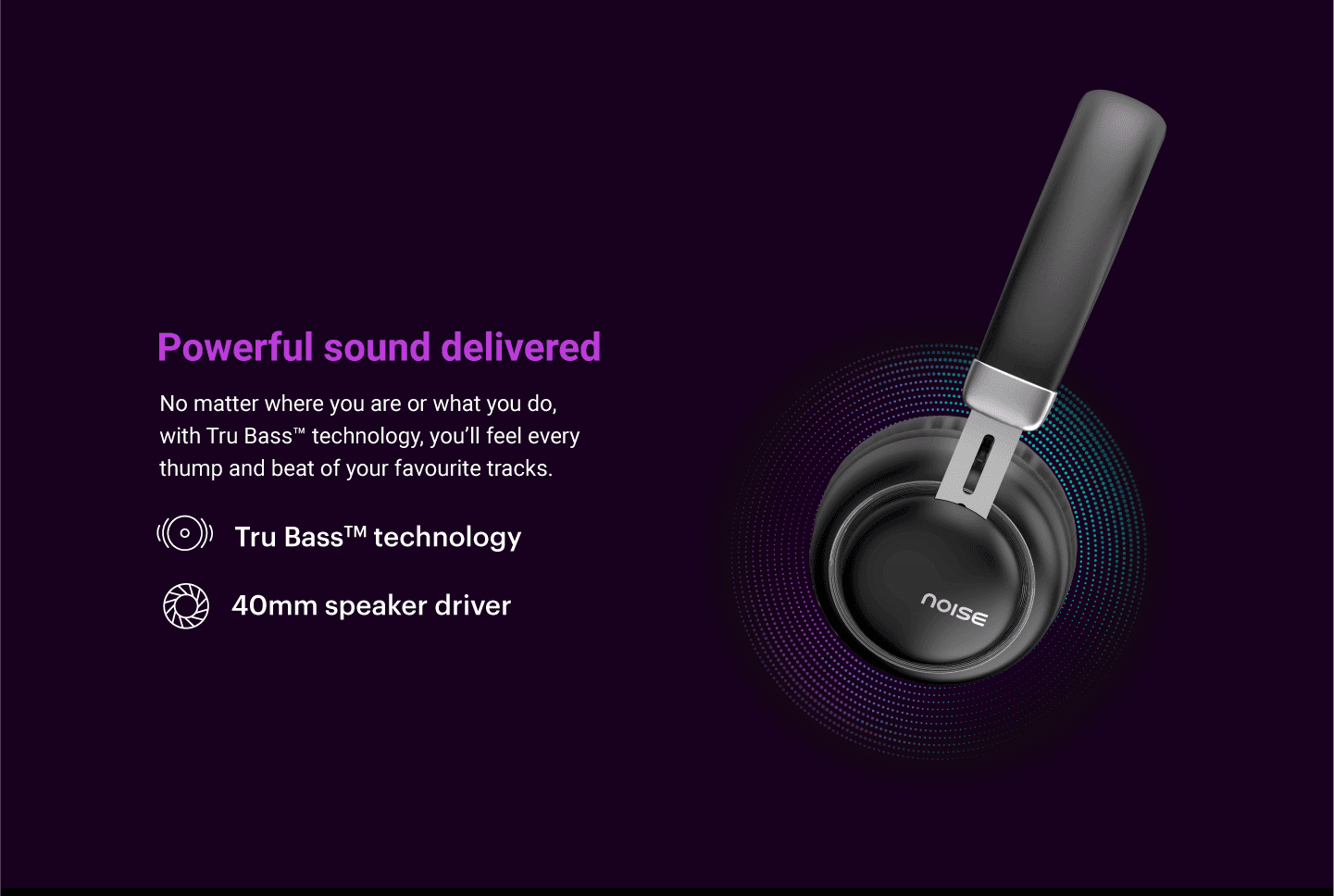
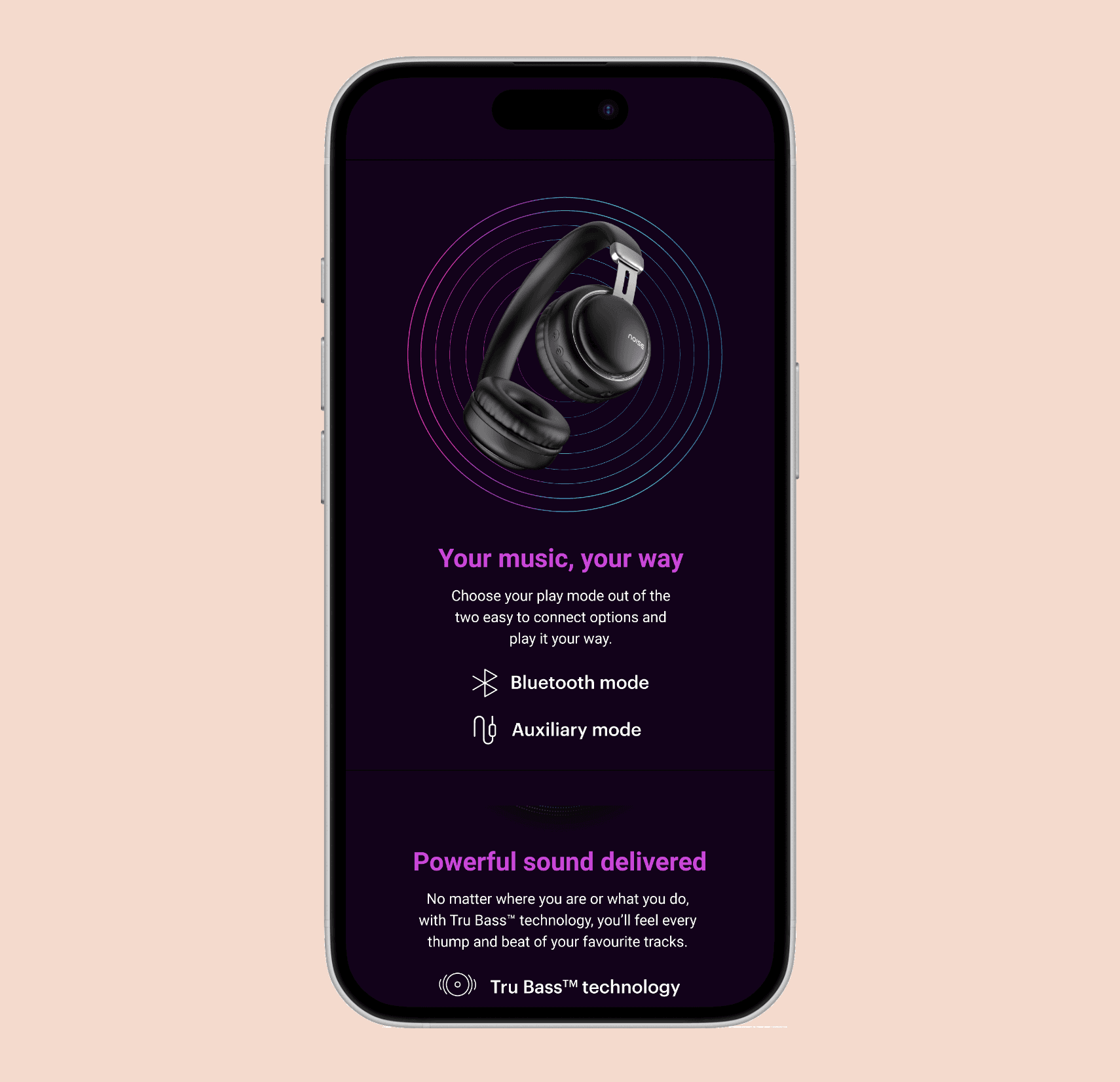
Product Technology

A consistent layout is used to present product technology across devices, allowing specifications and capabilities to adapt per wearable while maintaining clarity and structural consistency.

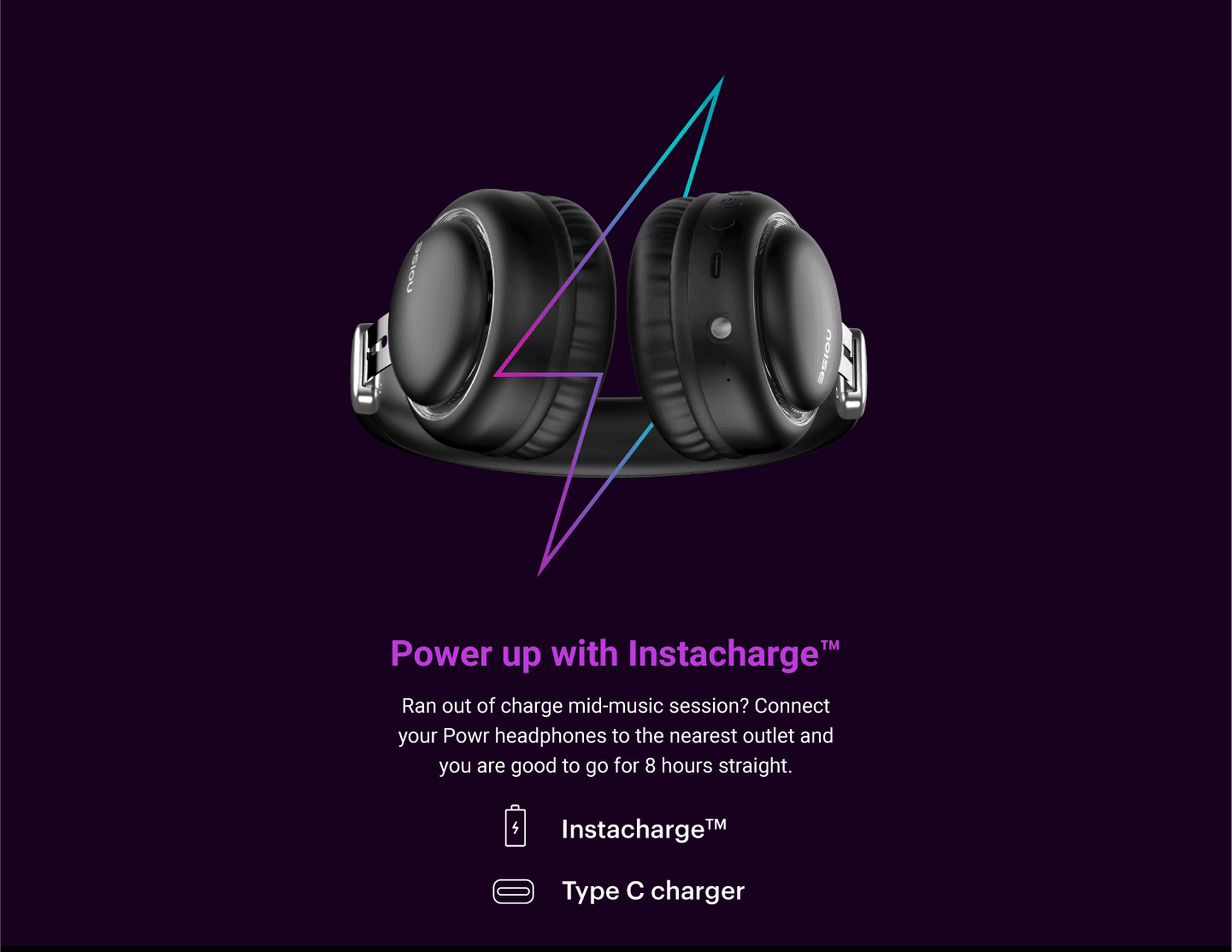
Charging Specifications

A standardized layout presents charging details across products, allowing specifications to vary per wearable while maintaining consistency and ease of comparison.

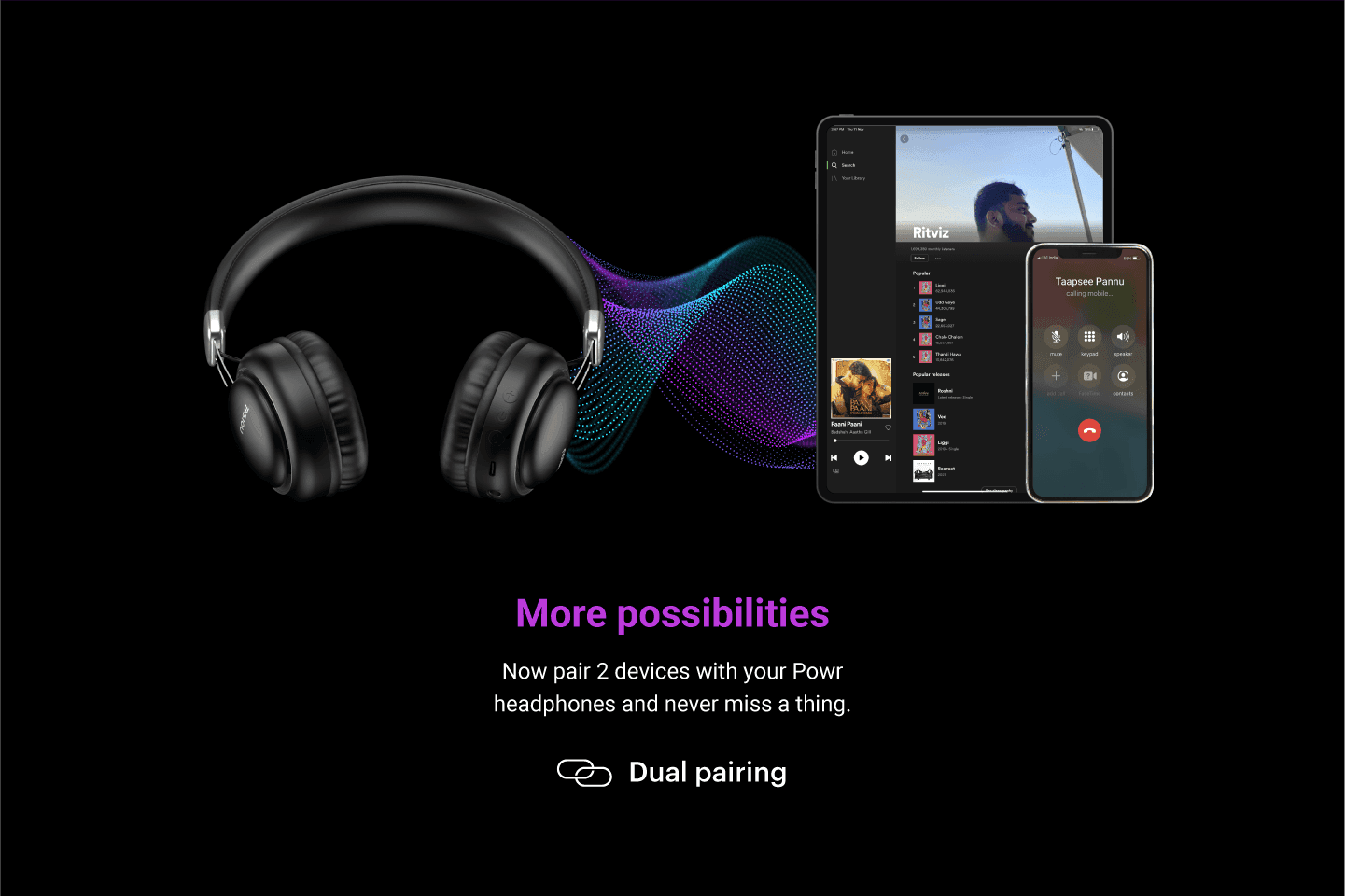
Pairing Technology

A benefit-driven newsletter experience highlights immediate rewards alongside long-term value. Clear inputs, supportive microcopy, and credibility signals encourage sign-ups without disrupting the browsing flow.

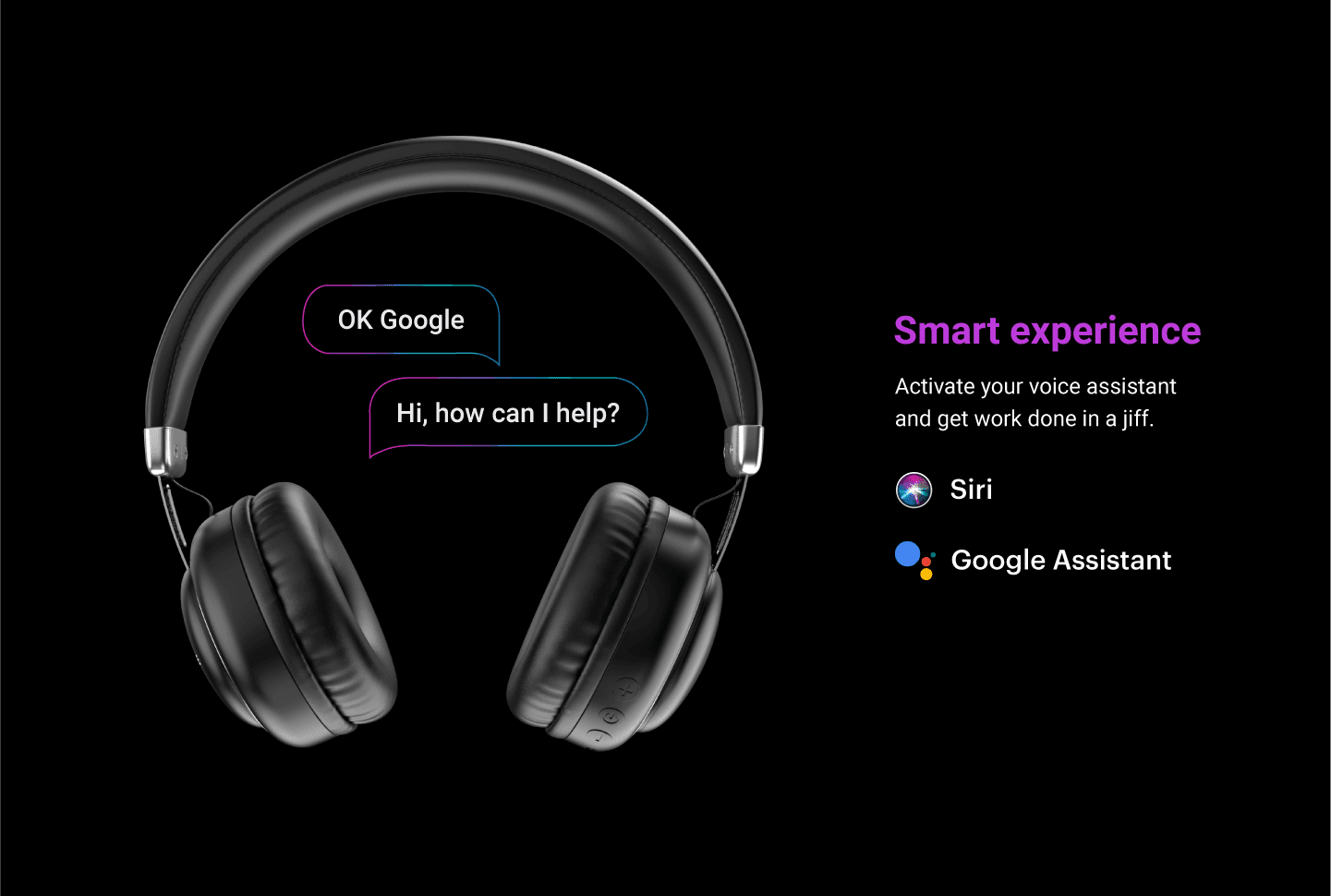
Smart Experience

A consistent layout presents smart features across products, allowing functionality to adapt per wearable while maintaining clarity and interaction consistency.

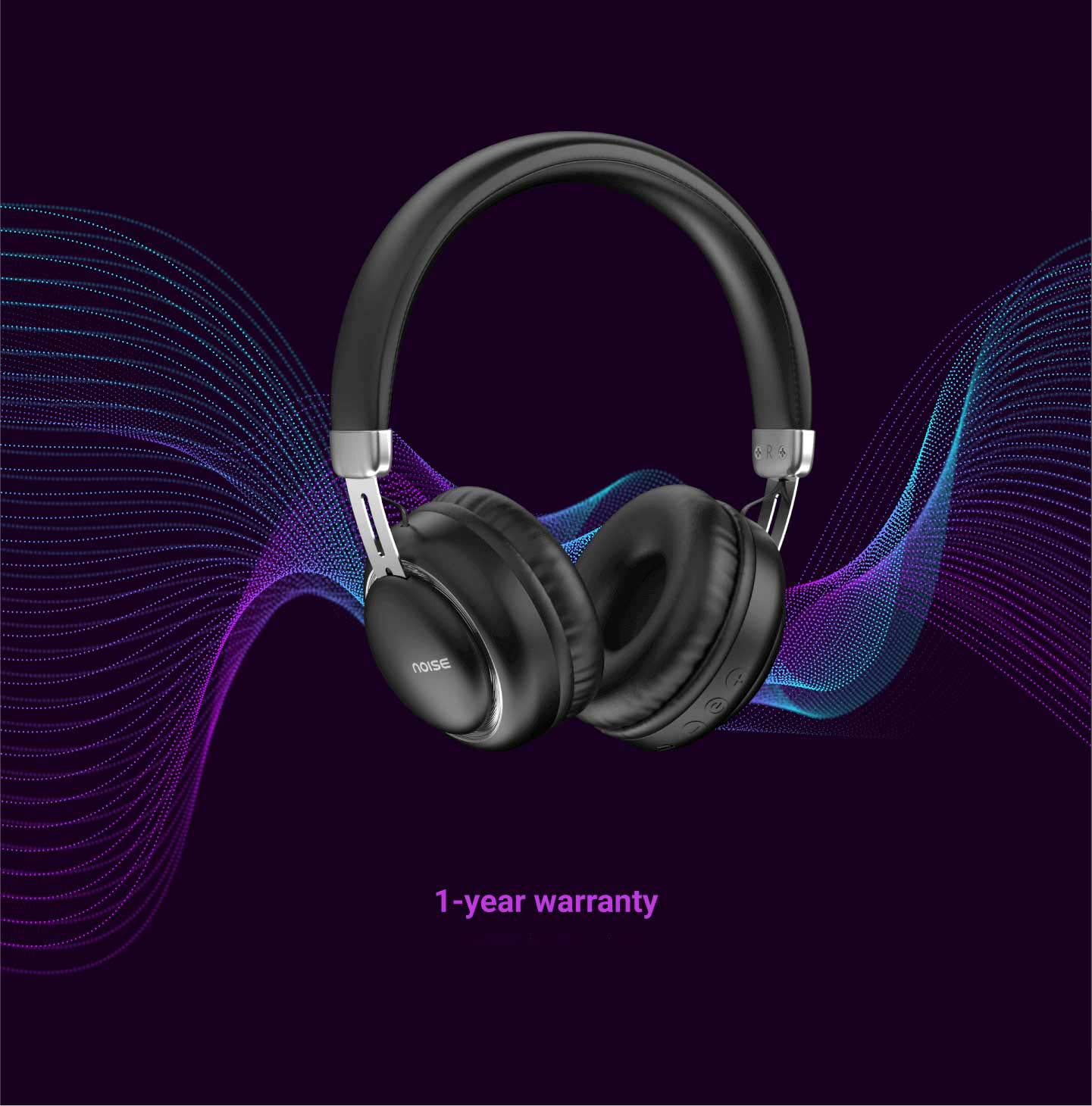
Warranty

A consistent layout presents warranty information across products, allowing coverage details to vary per wearable while maintaining clarity.

70% Boring


Our UX strategy centres on by mirroring design elements from collaborating with category managers and stakeholders, we're aiming to make our users feel good about the product they want to buy. This approach taps into their existing mental models and learned behaviours, reducing cognitive load, smoothing out the learning curve, and boosting overall user satisfaction and efficiency.
30% Magic

In product visualisation, it's often the small UI decisions that make all the difference. Elements like typography, spacing, content and animations play crucial roles in how users perceive and interpret data. By honing in on these nuances, we can enhance the user experience and convey information more effectively.

Lessons Learned


Startegy matters

Balancing overarching strategies with UI details is crucial. I applied Jakob’s Law for usability while fine-tuning typography to improve readability.


Progress within constraints

Found ways to drive progress despite limited resources and a fixed scope, like leveraging existing design systems to cut development time.


Stay flexible

Adjusted the 70-20-10 rule as project priorities shifted—for instance, reallocated time when the Charts and Tables Enhancement became urgent.


Startegy matters

Balancing overarching strategies with UI details is crucial. I applied Jakob’s Law for usability while fine-tuning typography to improve readability.


Progress within constraints

Found ways to drive progress despite limited resources and a fixed scope, like leveraging existing design systems to cut development time.


Stay flexible

Adjusted the 70-20-10 rule as project priorities shifted—for instance, reallocated time when the Charts and Tables Enhancement became urgent.

More Projects

ENHANCING PRODUCT LISTING PAGE

A modern product listing page for Stoffe.de featuring clear categorization, interactive hovers, and an AI-powered search for effortless fabric discovery.

Reading Time

5 min

Year

2025

ENHANCING PRODUCT LISTING PAGE

A modern product listing page for Stoffe.de featuring clear categorization, interactive hovers, and an AI-powered search for effortless fabric discovery.

Reading Time

5 min

Year

2025

ENHANCING PRODUCT LISTING PAGE

A modern product listing page for Stoffe.de featuring clear categorization, interactive hovers, and an AI-powered search for effortless fabric discovery.

Reading Time

5 min

Year

2025

UNIFY ONBOARDING

Focus was to create a user-friendly interface that simplified the process of onboarding to reduce customer retention at Xing.

Reading Time

4 min

Year

2024

UNIFY ONBOARDING

Focus was to create a user-friendly interface that simplified the process of onboarding to reduce customer retention at Xing.

Reading Time

4 min

Year

2024

UNIFY ONBOARDING

Focus was to create a user-friendly interface that simplified the process of onboarding to reduce customer retention at Xing.

Reading Time

4 min

Year

2024

LEBENSLAUF BY XING

A user-centered approach to design an intuitive and effortless resume builder, introducing AI in the company’s flagship product.

Reading Time

6 min

Year

2023

LEBENSLAUF BY XING

A user-centered approach to design an intuitive and effortless resume builder, introducing AI in the company’s flagship product.

Reading Time

6 min

Year

2023

LEBENSLAUF BY XING

A user-centered approach to design an intuitive and effortless resume builder, introducing AI in the company’s flagship product.

Reading Time

6 min

Year

2023

Have a detailed look
of my experience

Have a detailed look
of my experience

Have a detailed look of my experience