Unified Onboarding Experience
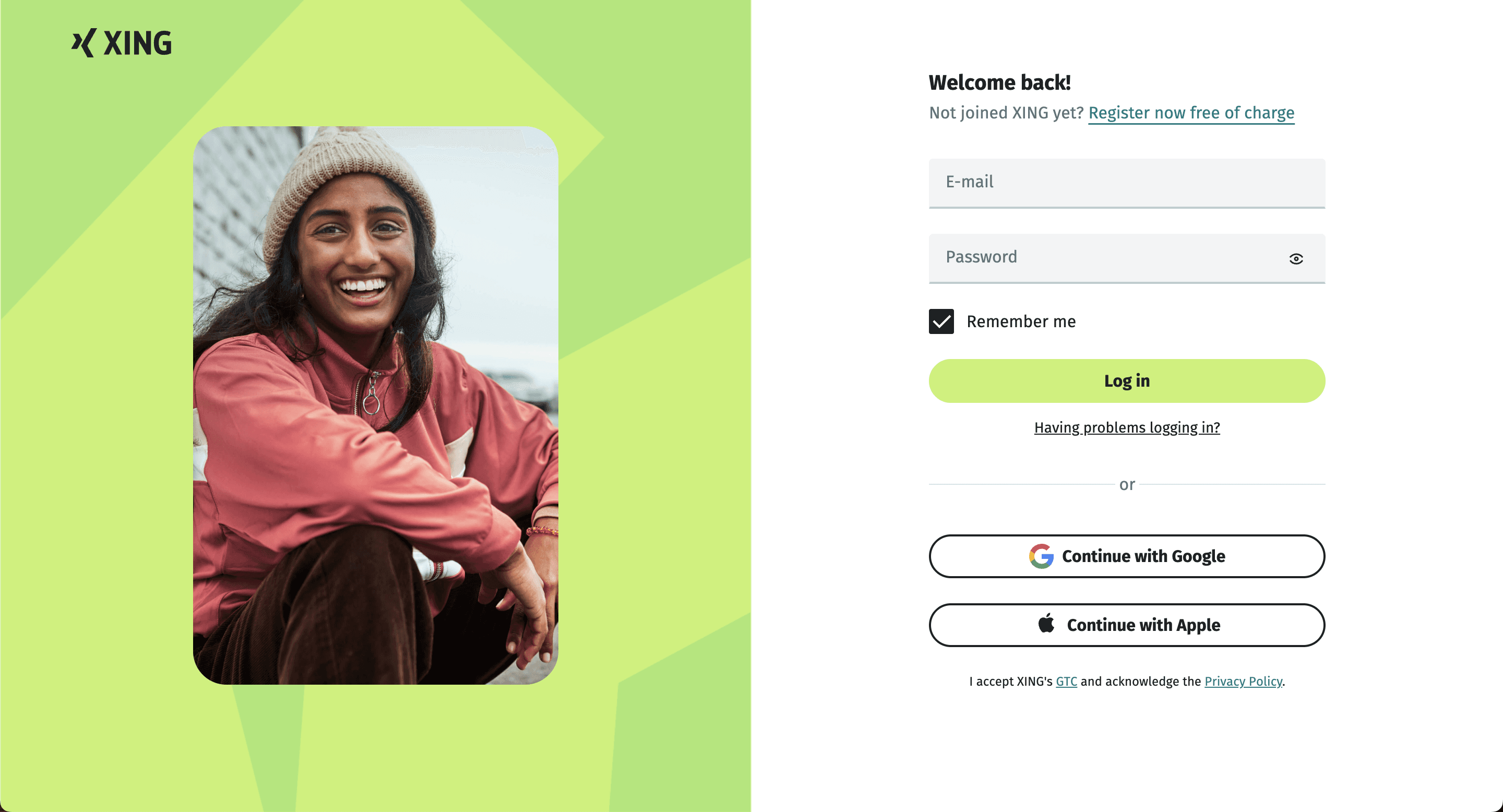
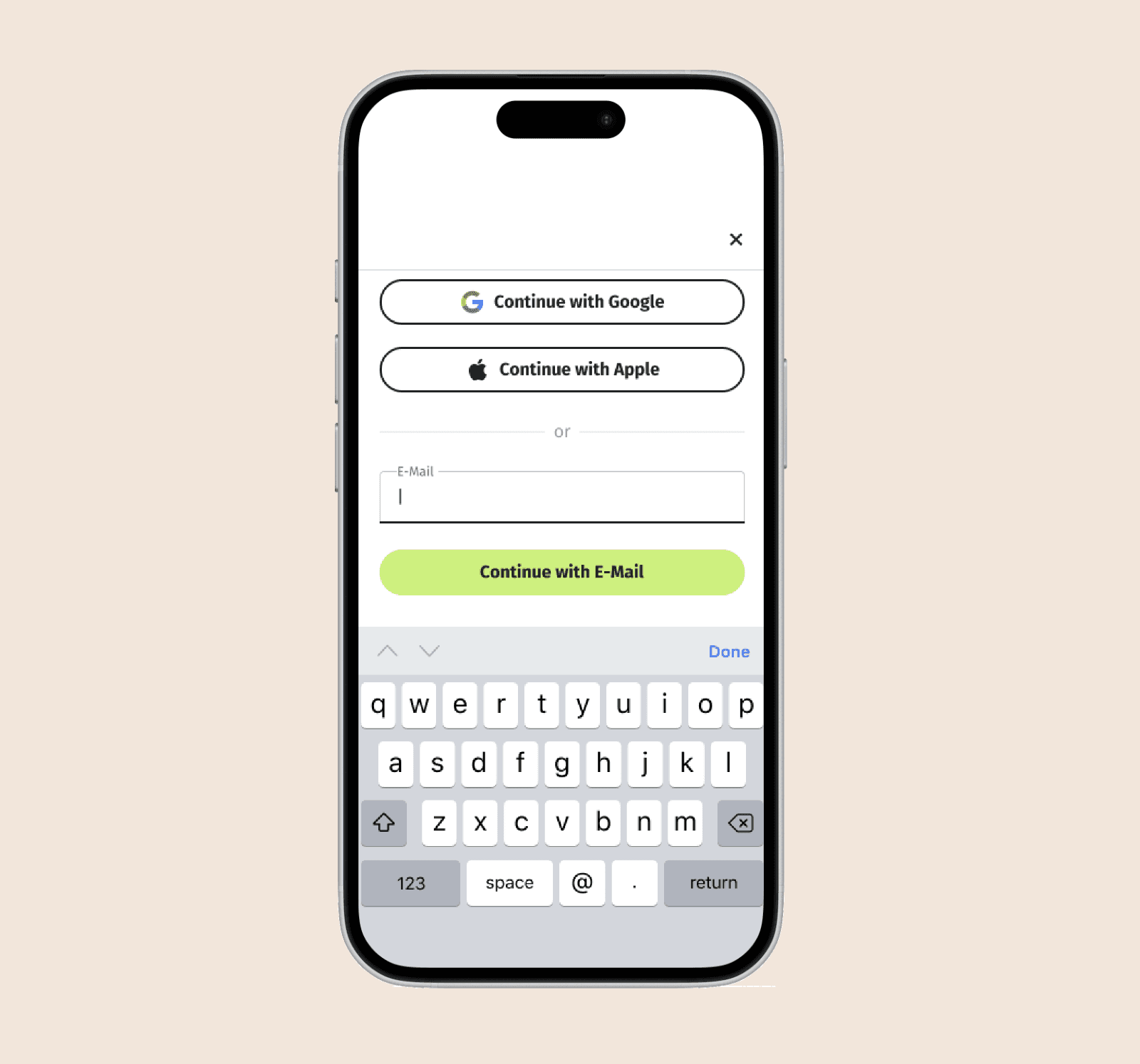
Unified onboarding process simplifies user onboarding for both existing and new users. By integrating with accounts, we offered a seamless login or registration experience, eliminating the need for separate for multiple pages to make it easier and faster onboarding.
Growth Team
2024
Senior Product Designer
4 Weeks
Challenge
Xing users faced challenges with two separate sign-in/up screens , a long onboarding process with multiple screens and an outdated onboarding process that hindered user engagement.
Solution
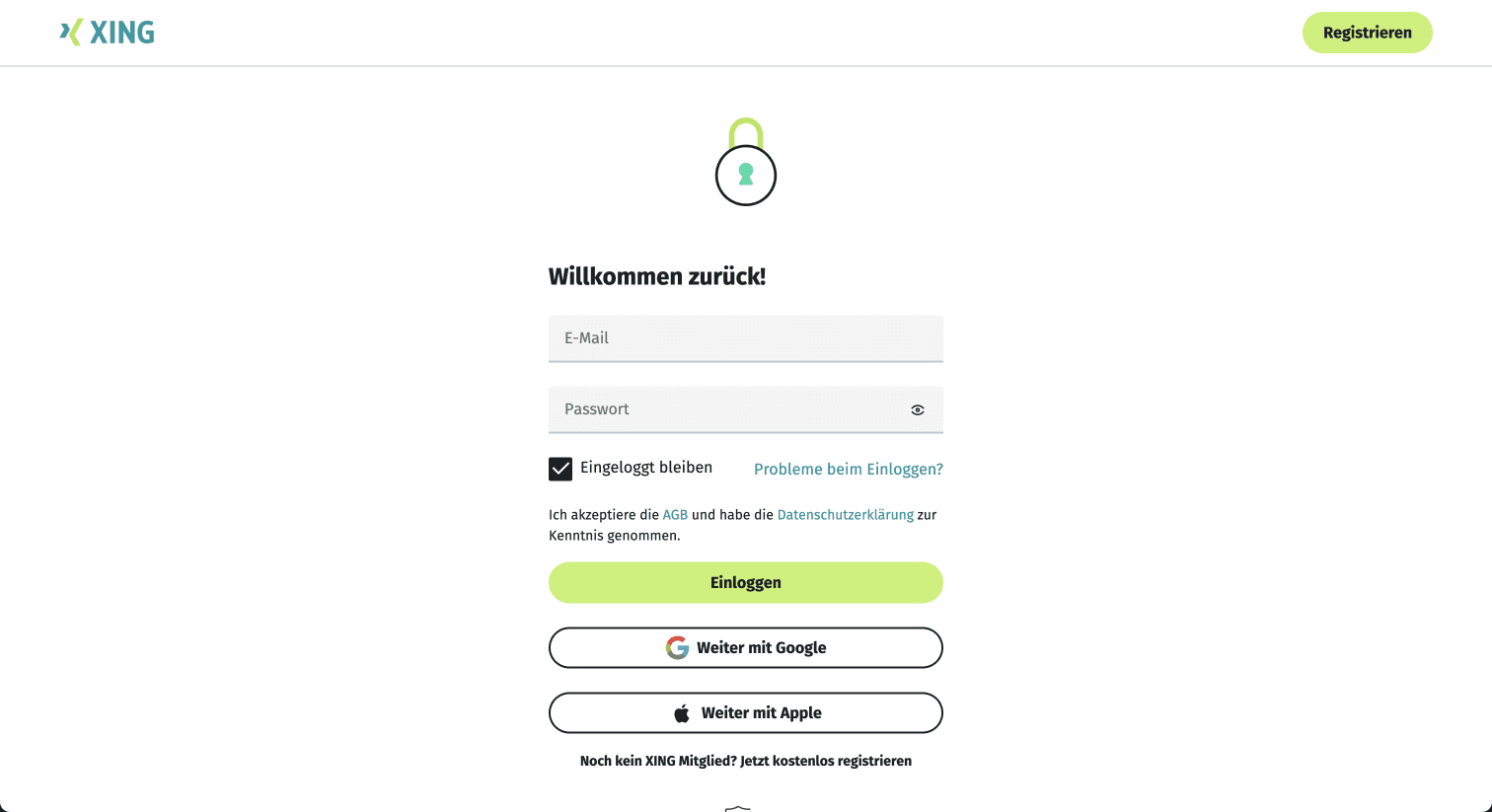
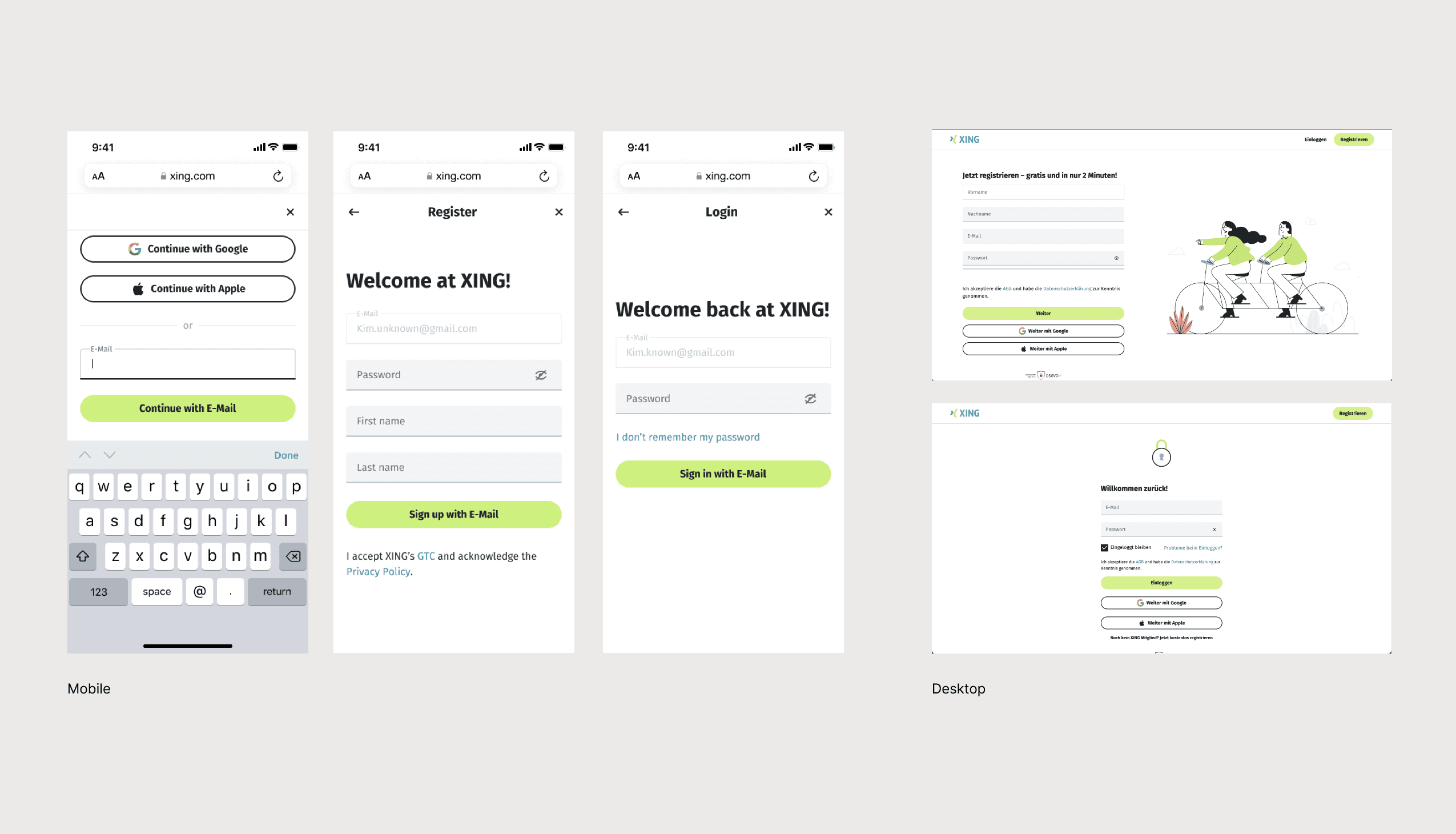
Unify Login and Registration streamlines onboarding by combining multiple screens into a single, simplified flow. This addresses user pain points and improves retention by making the process quicker and more efficient.
Process
Discovery & User Insights
Analysis of drop-off data and qualitative feedback revealed that users perceived onboarding as a commitment-heavy step rather than a lightweight entry. Separate login and registration paths created hesitation, while unclear value messaging reduced motivation to proceed.
Unified Entry Point
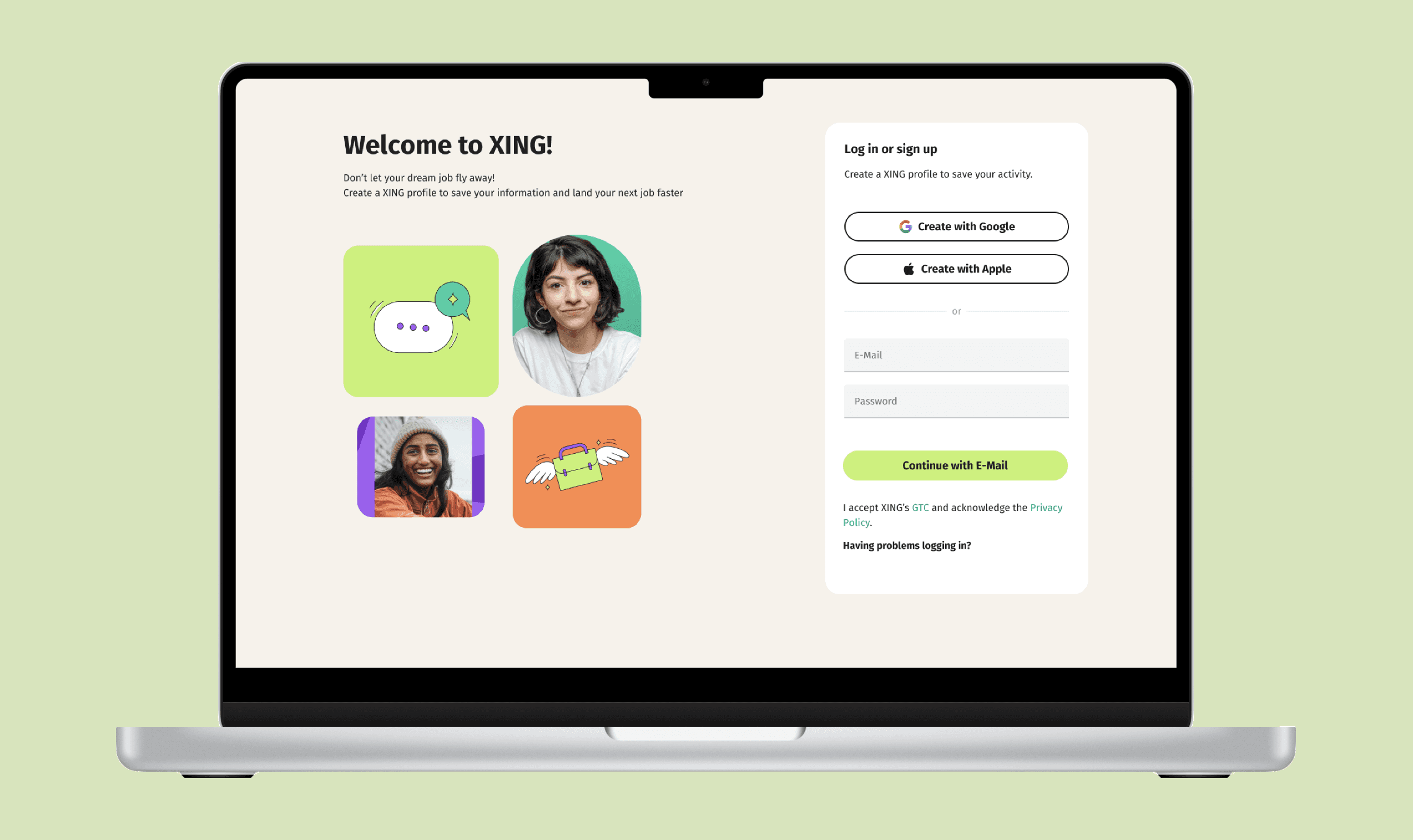
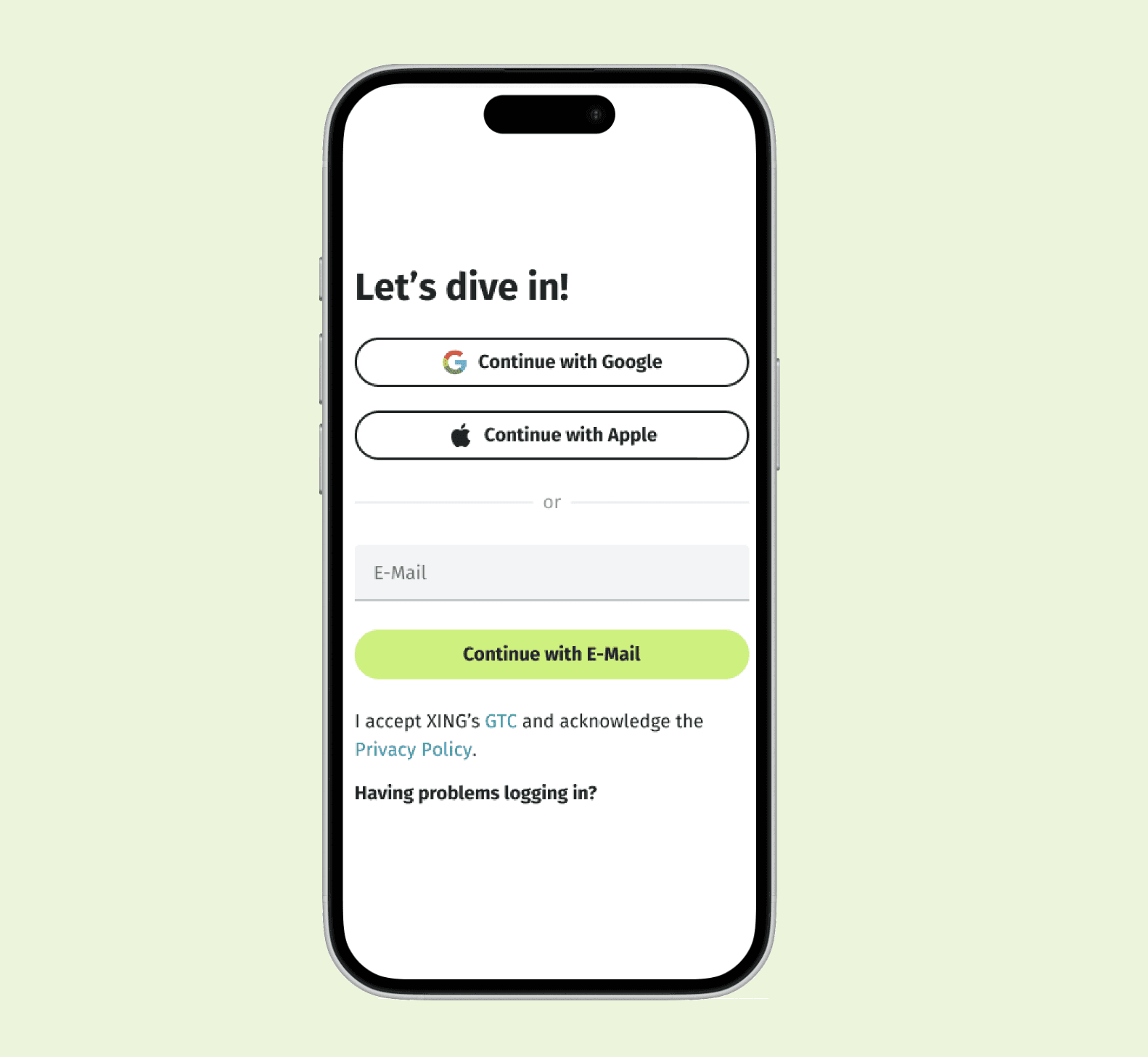
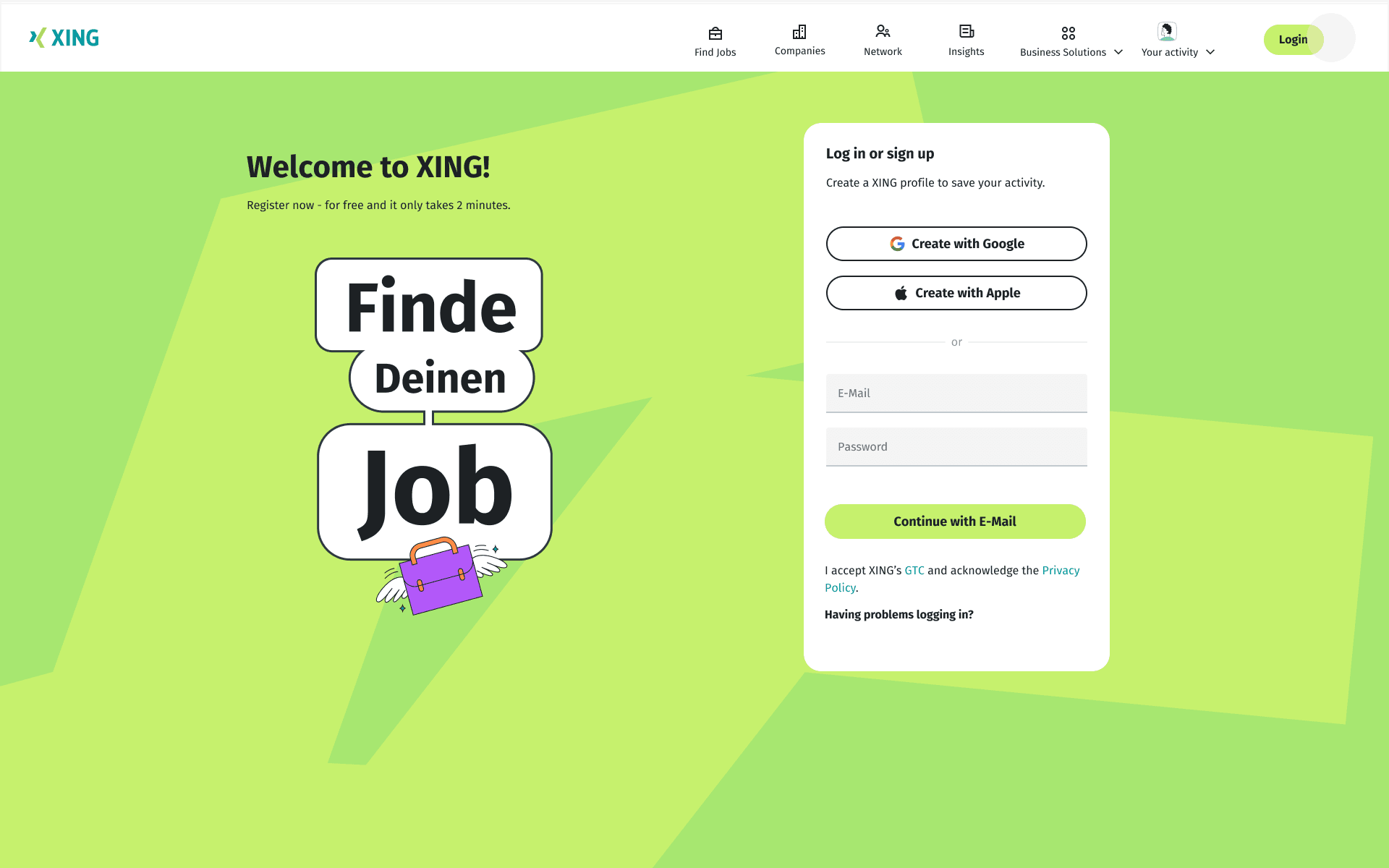
To lower the barrier to entry, login and registration were combined into a single, unified onboarding screen. Instead of asking users to decide upfront, the flow allows them to start with one action and resolves intent progressively, reducing decision friction at the moment of entry.
Progressive Onboarding Strategy
The experience was designed to let users begin with minimal effort. Social sign-in options and email entry support a one-click start, while account creation happens implicitly as users continue. This approach shifts onboarding from a gate into a guided transition.
Value Communication at First Touch
Clear, benefit-led messaging reinforces why creating a XING profile matters. The copy emphasizes saving progress and accelerating job discovery, helping users understand immediate value before being asked to commit.
Interaction Design & Visual Hierarchy
The layout prioritizes primary actions through clear hierarchy and spacing. Social sign-in buttons are visually distinct, form fields are simplified, and secondary actions are de-emphasized to keep focus on forward momentum.
Accessibility & Trust Signals
Subtle reassurance elements, including privacy acknowledgements and support links, were intentionally placed without overwhelming the interface. This balances transparency with flow, supporting trust while maintaining momentum.
Aside from the basic competitive research and some qualitative/quantitative data, I accompanied by customer support lead and PM conducted interviews with new and existing users trying to stay unbiased and as neutral as possible. We were looking forward to pointing out common pain points from the quotes and translate them to clear goals.
From the usability sessions with users, we extracted some constructive human insights. Generally, they appreciated the ease of use and speed of onboarding. The most frequently met weak point was that “to integrated less number of screens and make the process less as less lengthy as possible”.
62
%
User find it confusing between Login and signup screens
28
%
Users feels the screens need improvement
Design
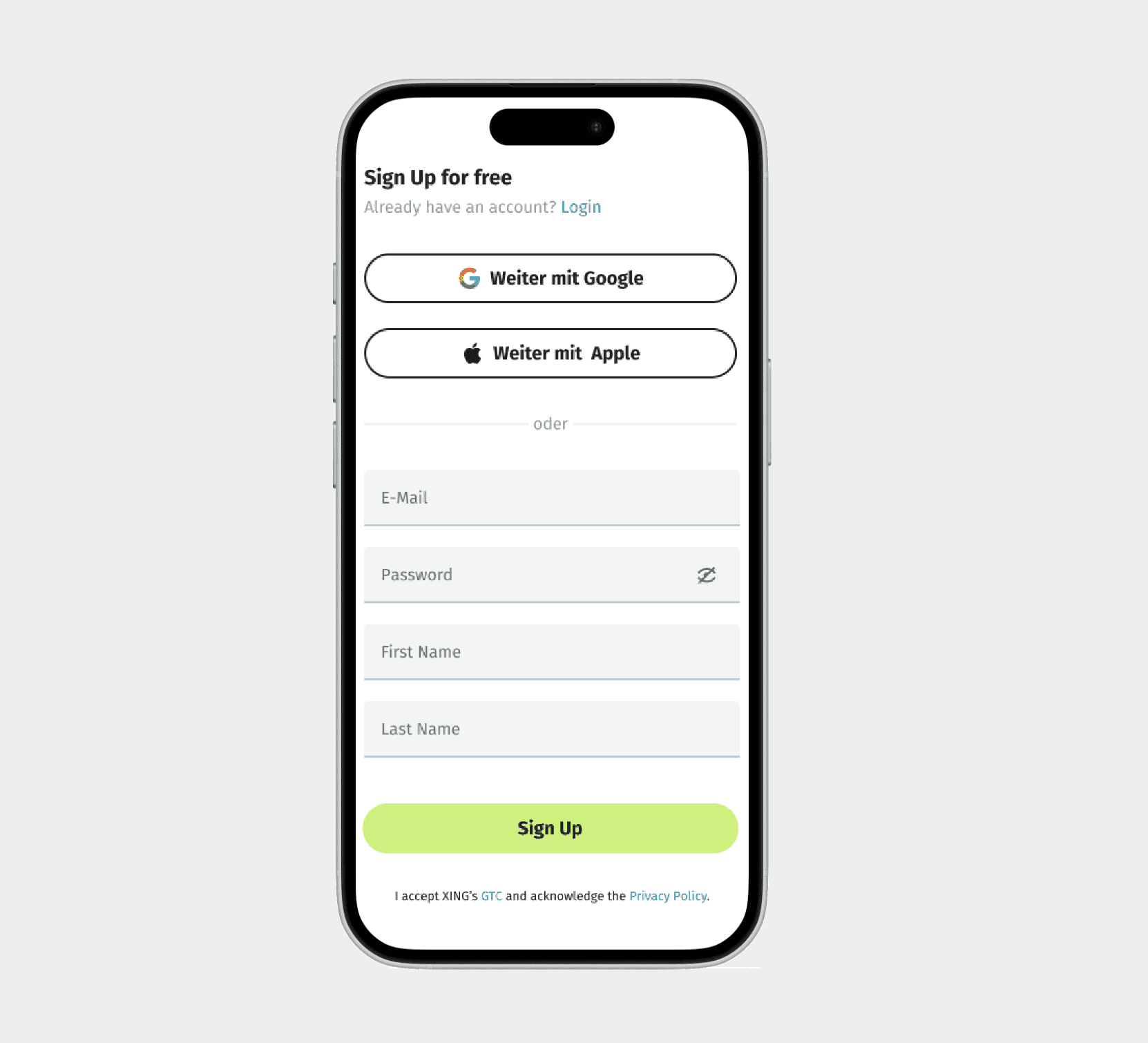
The design embraces a minimalist aesthetic focused on clarity and usability, ensuring visual simplicity while delivering high functional value. Layout, hierarchy, and interactions were intentionally crafted to support discoverability and guide users seamlessly through the experience.
Unify
Need of entry unification is a necessity form both product and business point of view. Incorporating the both login and sign up into one screen.
Eliminate
Structure
Try to organize the too many call-to actions or if necesssary, categorise the sections ina thoughtful layout for easy access and clarity.
Graphics
Graphics
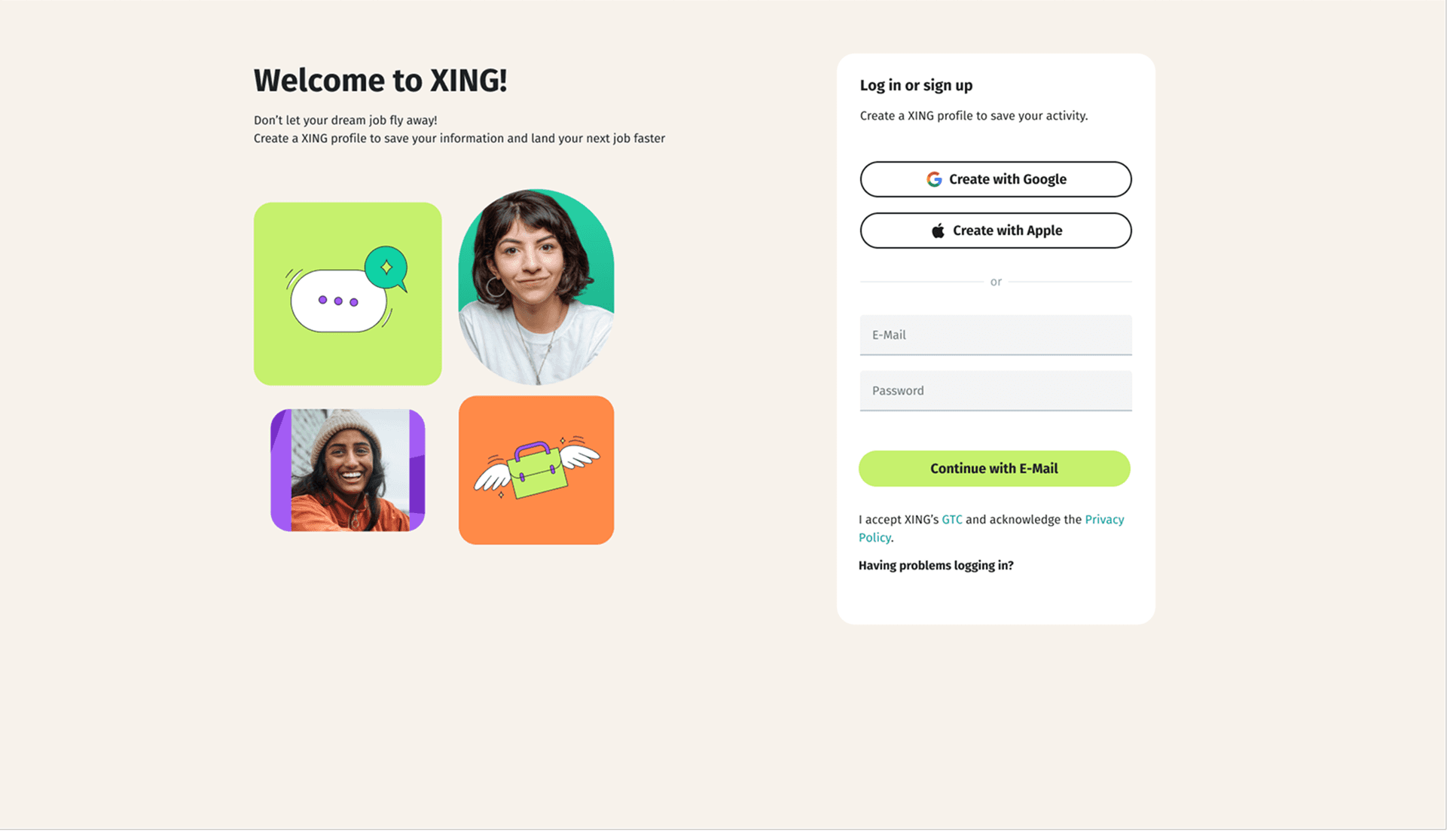
Designing the desktop layout presented a unique challenge. We meticulously curated fresh marketing illustrations and images, experimenting with various arrangements. As the first screen, it was crucial to carefully consider the visual elements and ensure they effectively communicated the fresh brand's essence.
Iteration
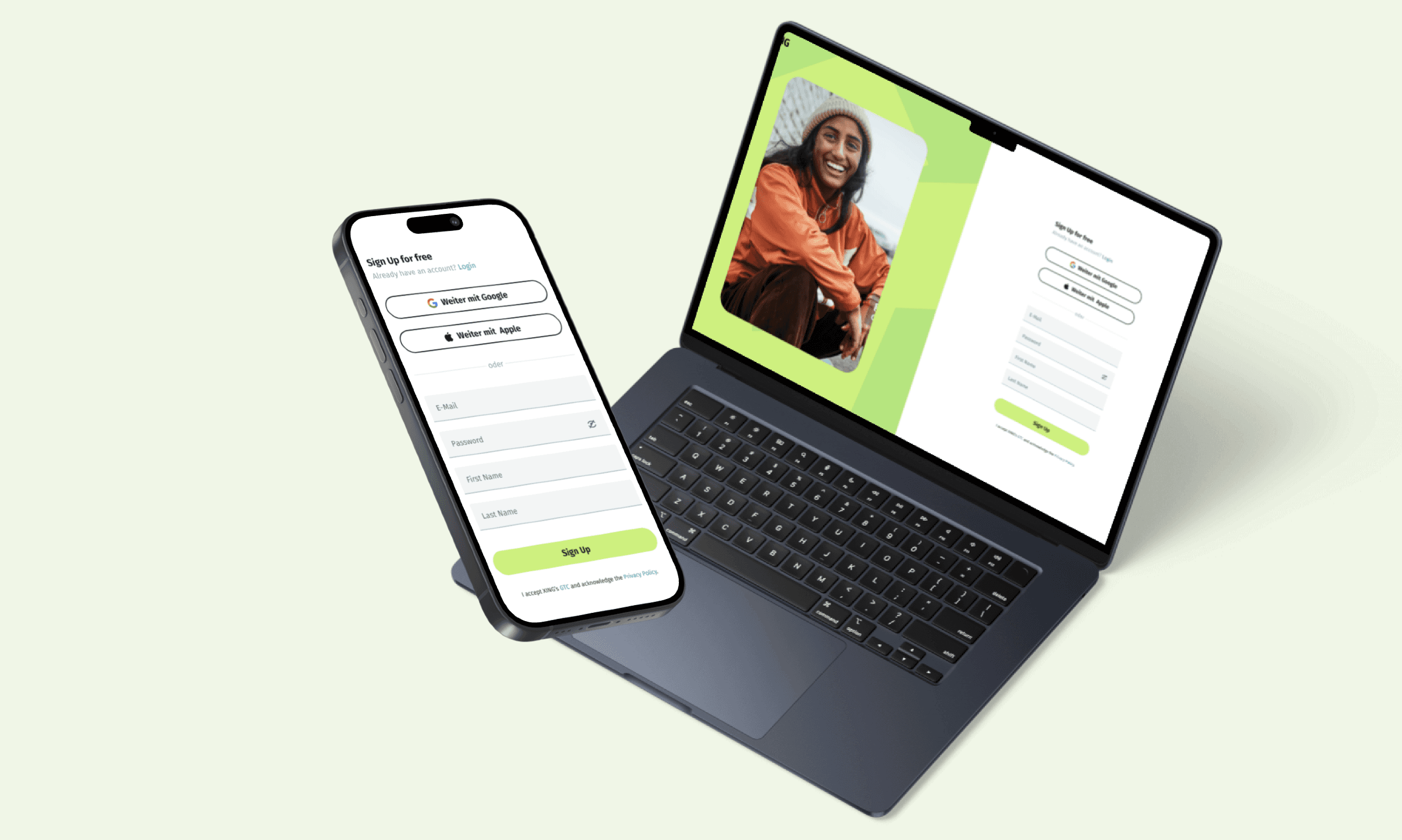
To create a cohesive and user-friendly experience, we adopted a brand image for the login/signup screen that aligns with our recent ad campaigns. This image features a clean look with a lime green background and subtle illustrations. By utilizing the same mobile-first layout for input fields on both mobile and desktop, we ensure consistency and enhance usability across all devices.
Layout
Delivery
Once we launched the new Entry Login/sign up, we started actively working on the follow up screens because we saw a real conversion opportunity from a page that had a lot of potential for the business. With that being said, we were realizing it’s reasonably tricky to communicate value and distinction in a short simple manner due to the technical background shift to React Native. During all iterations, we were facing the same doubts that many companies have when redesigning their login pages: how can we provide users with the information they need without overloading them with tons of data and avoid frightening them off while still showing the full range of knowledge of our product.
Delivered
Final Thoughts
Running multiple A/B tests for each of the iteration helped us train the muscle and know what worked in the end. Surprisingly, even the provocative "Simple Girl" image for the hero image, positively affected the experience. Our initial hypothesis was proven correct. Optimizing the login page was a big win and directly led to increasing the conversions. I learned that by unifying the login page which is both informative and actionable inspires confidence in users. “Simplicity is a key” rule works for every aspect here: from content and layout to benefit-driven language. As well as having a over look with vibrant colors clearly depicting the brand language allows it to remain simple but still gives enough information to make an informed decision.